I decided to do a quick tutorial, its easy to follow.
I use: Photoshop 7, Wc3Viewer
1. Select the part you want to skin.
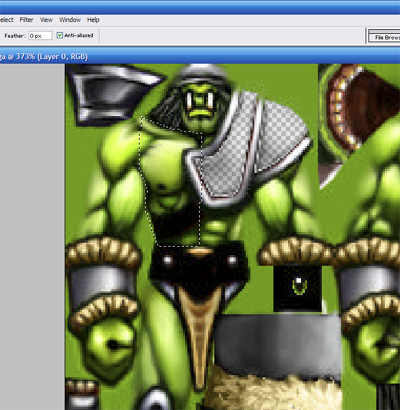
2. Color it in the color of your choice, i prefer to start greyscale. Then take a black brush, 1 pixel, with 40-60 opacity and draw in what you want it to be.
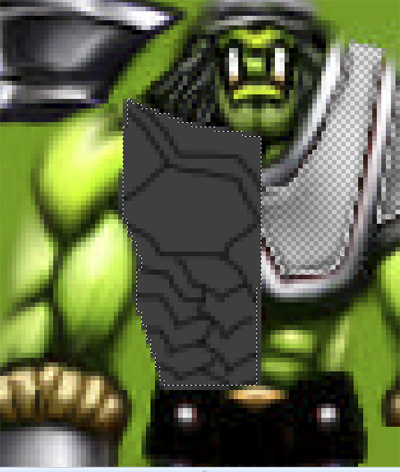
3. With about 30 opacity brush, quickly do a small layer of shading. If it bubbles out the shading is at the bottom, if overlapping, the underpiece gets shaded and if popping in, then the top is shaded.
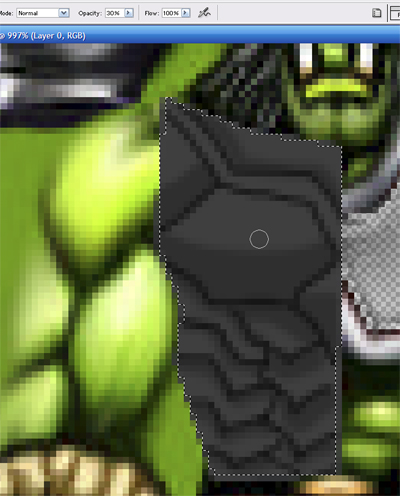
4. With about 40 opacity 30-50% grey brush, 1 pixel, draw in a light edge around the places with highlights, just as a basic shading start.
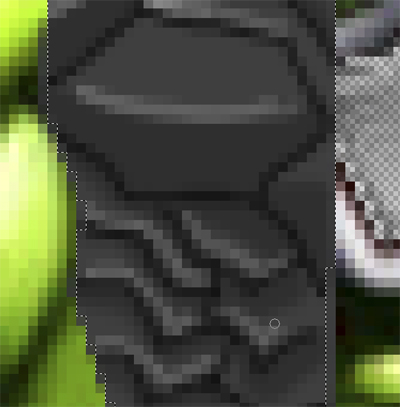
5. Make the brush bigger and do a small surrounding outside the line, make sure if its at an edge not to go past the original black line. Then alt-click your surrounding highlight and click rapidly around it, smoothing it out.
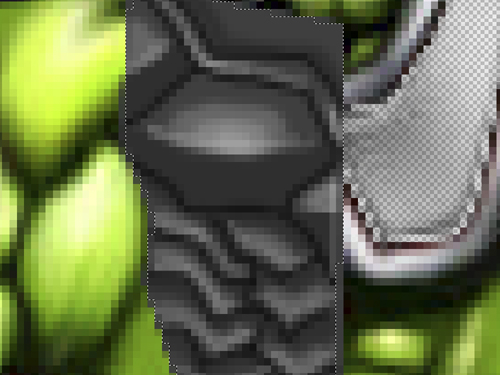
6. With a small 1 pixel, stronger opacity white brush, make small white dots at the peak of the highlight. In the shadow, put a low opacity highlight there for a reflection.
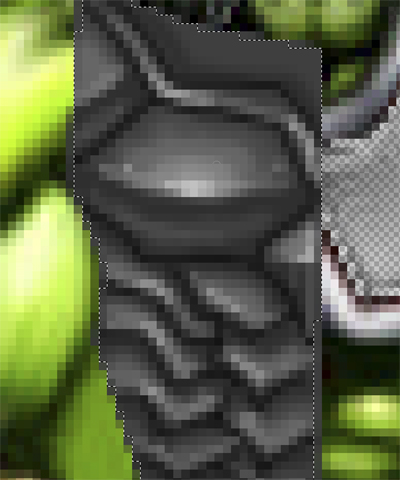
7. COLORING! Take a color effect brush, color of your choice and opacity of your choice and start coloring in what you want.
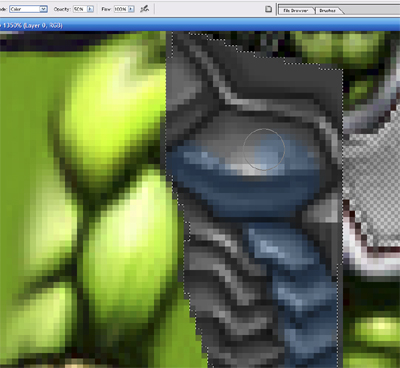
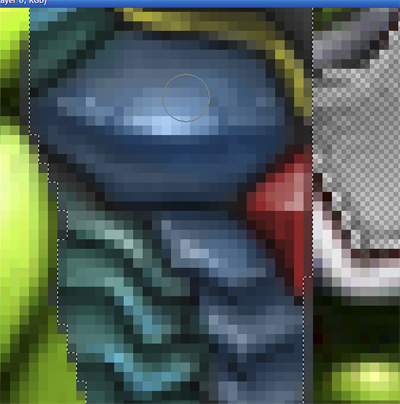
8. Wala! Your finished, now do this for whatever metal part you want. It also works with cloth, but it takes a bit of practice.



 plus how do you make the skinned unit go in the map?